

Come personalizzare graficamente un blog porfolio (seconda parte)
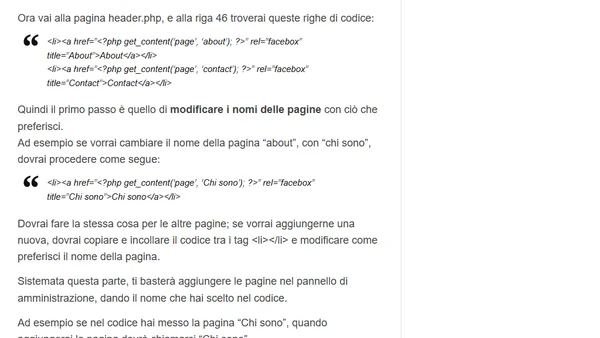
Read OriginalQuesto articolo, seconda parte di una serie, spiega come personalizzare graficamente un tema WordPress gratuito per un blog portfolio. Fornisce istruzioni dettagliate su come modificare i nomi e aggiungere pagine (es. 'About', 'Contact') intervenendo direttamente sul codice nel file header.php del tema. Include passaggi pratici per aggiornare il pannello di amministrazione di WordPress in base alle modifiche apportate.
0 comments
Comments
No comments yet
Be the first to share your thoughts!
Browser Extension
Get instant access to AllDevBlogs from your browser
Top of the Week
No top articles yet