

Working with Windows Azure from within PhpStorm
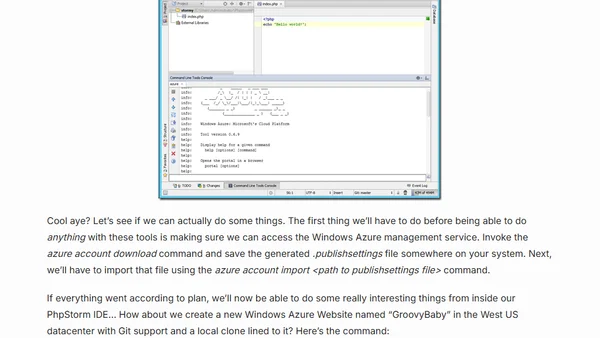
Read OriginalThis technical tutorial explains how to configure PhpStorm (or WebStorm) to use the Windows Azure Command Line Interface (CLI). It details installing the Azure CLI via npm, setting up the command-line tool support in the IDE's settings, and performing actions like importing account credentials and creating a new Azure Website with Git deployment—all without writing a Java plugin.
Comments
No comments yet
Be the first to share your thoughts!
Browser Extension
Get instant access to AllDevBlogs from your browser
Top of the Week
No top articles yet