

Installing simulator runtimes from the command line
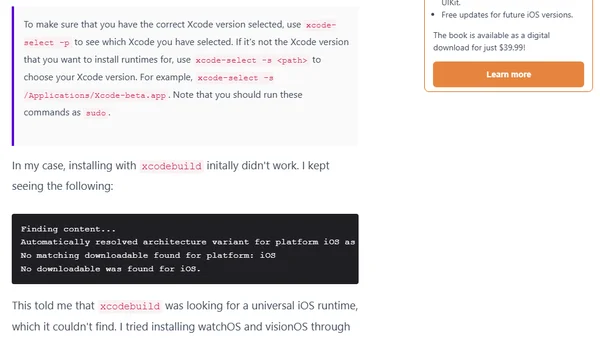
Read OriginalThis article provides a step-by-step guide for installing Xcode simulator runtimes from the command line using the xcodebuild tool. It covers selecting the correct Xcode version with xcode-select, downloading runtimes for specific platforms like iOS, watchOS, and visionOS, and resolving common issues such as the 'No matching downloadable found' error by specifying the architecture variant (e.g., arm64). The post is aimed at developers working with Xcode betas and needing to manage simulator runtimes efficiently.
Comments
No comments yet
Be the first to share your thoughts!
Browser Extension
Get instant access to AllDevBlogs from your browser
Top of the Week
No top articles yet