

Get the ForceChangePassword Office 365 User Setting with PowerShell
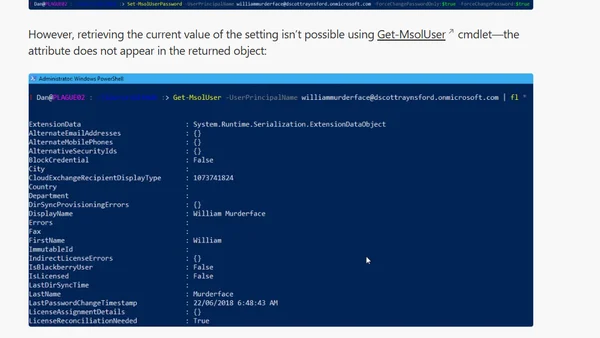
Read OriginalThis technical article explains how to use PowerShell, specifically the AzureAD module, to query and retrieve the 'ForceChangePasswordNextLogin' property for users in Office 365/Azure Active Directory. It provides code examples for checking this setting for a single user and for listing all users flagged for a forced password change.
Comments
No comments yet
Be the first to share your thoughts!
Browser Extension
Get instant access to AllDevBlogs from your browser
Top of the Week
No top articles yet