

Enable CORS Support in Cosmos DB using PowerShell
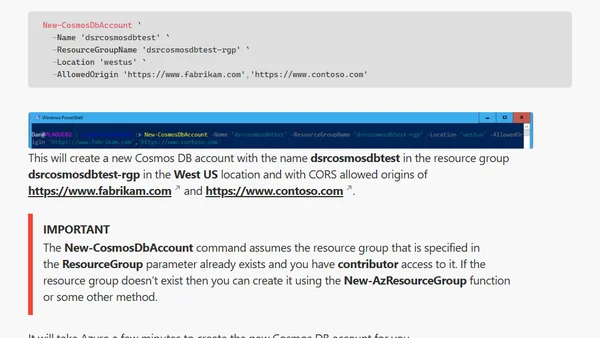
Read OriginalThis technical tutorial explains how to enable, update, and check Cross-Origin Resource Sharing (CORS) settings for Azure Cosmos DB accounts using PowerShell. It covers installing the required CosmosDB module, authenticating to Azure, and using commands like New-CosmosDbAccount to create an account with specific CORS allowed origins.
Comments
No comments yet
Be the first to share your thoughts!
Browser Extension
Get instant access to AllDevBlogs from your browser
Top of the Week
No top articles yet