

CSS, Javascript, Images cause 500 errors after IIS Website upgrade
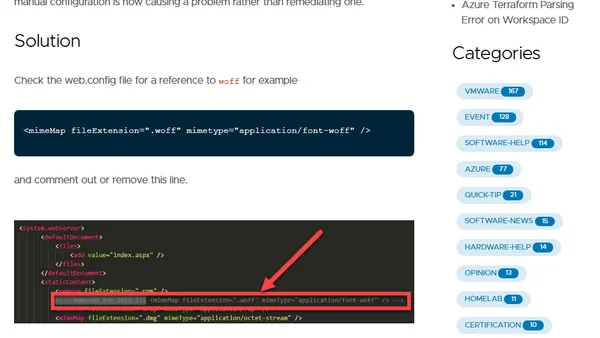
Read OriginalThis technical article explains how to resolve 500 Internal Server Errors for static files like CSS, JavaScript, and images after migrating a website from IIS 6 (Windows Server 2008) to IIS 10 (Windows Server 2019). The root cause is a conflicting manual MIME type entry for .woff fonts in the web.config file, which is now natively supported in newer IIS. The solution involves removing or commenting out the redundant MIME map entry.
0 comments
Comments
No comments yet
Be the first to share your thoughts!
Browser Extension
Get instant access to AllDevBlogs from your browser
Top of the Week
No top articles yet