

UITableView Swipe to Delete Workflow in Swift
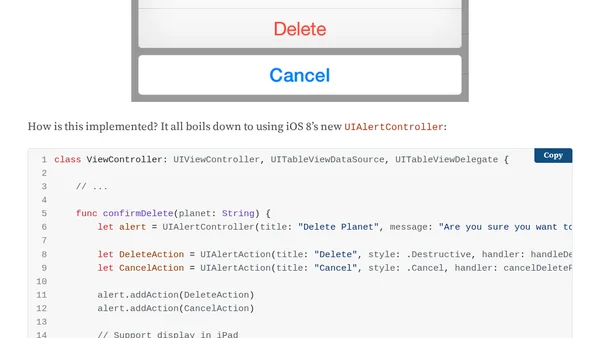
Read OriginalThis article provides a detailed guide on implementing a swipe-to-delete workflow in UITableView using Swift. It covers the typical steps: swiping a row to reveal a Delete button, pressing Delete to trigger a confirmation alert asking 'Do you really want to delete this?', and then either deleting the object from the data source and table view or canceling. The author explains why they prefer adding a confirmation step, unlike Apple's default behavior. The implementation uses UITableViewDelegate methods and includes a sample project listing planets. The article is focused on iOS development and Swift programming, making it relevant to IT/TECHNOLOGY.
0 comments
Comments
No comments yet
Be the first to share your thoughts!
Browser Extension
Get instant access to AllDevBlogs from your browser
Top of the Week
No top articles yet