

Swift Tip – Accessing a User’s Documents Directory with URL Extension
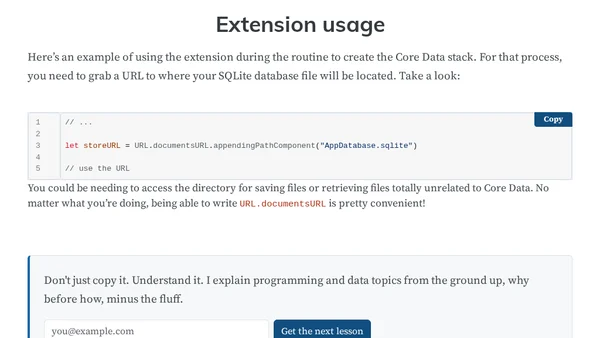
Read OriginalThis article provides a Swift programming tip for iOS/macOS developers on how to access a user's documents directory using a URL extension. It explains the common repetitive code pattern for accessing the documents directory and offers a cleaner, DRY (Don't Repeat Yourself) solution by creating a static `documentsURL` property on the `URL` type. The extension uses `FileManager` to get the document directory URL, and the article demonstrates its usage in a Core Data stack setup for locating an SQLite database file. The tip is aimed at improving code maintainability and convenience for developers working on Apple platforms.
0 comments
Comments
No comments yet
Be the first to share your thoughts!
Browser Extension
Get instant access to AllDevBlogs from your browser
Top of the Week
No top articles yet