

Sync Table View Data: NSFetchedResultsController and Swift
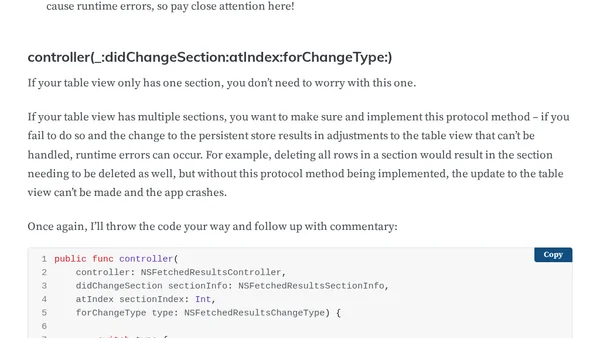
Read OriginalThis article provides a detailed walkthrough on implementing the NSFetchedResultsControllerDelegate protocol in Swift to automatically synchronize changes made to a Core Data persistent store with a table view. It covers the five key delegate methods: controllerWillChangeContent, controller:didChangeObject:atIndexPath:forChangeType:newIndexPath, controller:didChangeSection:atIndex:forChangeType, controller:sectionIndexTitleForSectionName, and controllerDidChangeContent. The tutorial explains how to batch table view updates for smooth animations when objects are added or removed, and includes an example Xcode project on GitHub for hands-on learning. Aimed at iOS developers working with Core Data and table views.
0 comments
Comments
No comments yet
Be the first to share your thoughts!
Browser Extension
Get instant access to AllDevBlogs from your browser
Top of the Week
No top articles yet