

SSRS: Which server sent my e-mail subscription?
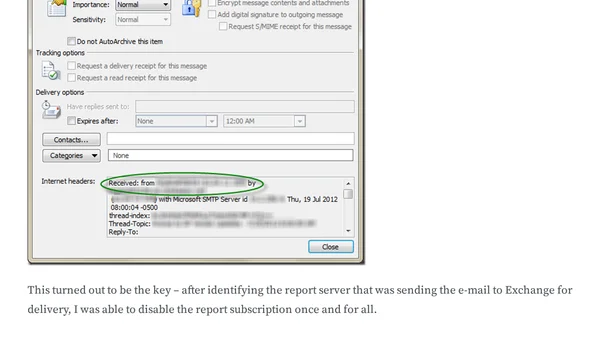
Read OriginalThis article describes a real-world troubleshooting scenario where a SQL Server Reporting Services (SSRS) report subscription was sending an outdated version to a customer, even after disabling subscriptions on known non-production servers. The author explains how to use Outlook 2010's e-mail header inspection to trace the origin of the rogue e-mail, identifying the specific report server responsible. The solution involves viewing Internet headers in Outlook's message properties to find the sending server, then disabling the subscription on that server. The article is a technical guide for IT professionals dealing with SSRS subscription issues.
Comments
No comments yet
Be the first to share your thoughts!
Browser Extension
Get instant access to AllDevBlogs from your browser
Top of the Week
No top articles yet