

Showing the Live View in a Swift Playground
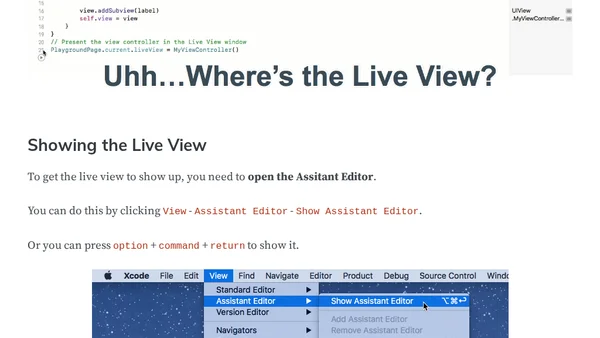
Read OriginalThis article provides a step-by-step guide for displaying the Live View in a Swift Playground. It explains how to open the Assistant Editor via the View menu or keyboard shortcut (Option + Command + Return) to see the live preview. The content is aimed at beginners learning Swift and iOS development, emphasizing understanding over copying code. It also includes a call-to-action for subscribing to future lessons.
0 comments
Comments
No comments yet
Be the first to share your thoughts!
Browser Extension
Get instant access to AllDevBlogs from your browser
Top of the Week
No top articles yet