

Custom UITableViewCell for Text Input in Swift
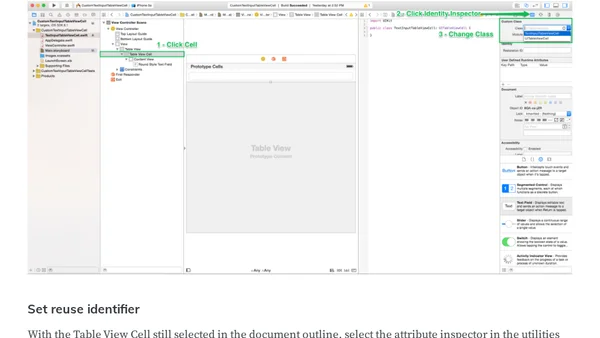
Read OriginalThis article provides a step-by-step walkthrough for building a custom UITableViewCell designed for text input in Swift. It explains why table views are ideal for data entry forms, covering built-in styles, scrolling, and keyboard handling. The guide includes dragging a table view to Storyboard, wiring data source and delegate, configuring keyboard dismissal, setting constraints, adding a text field to a prototype cell, and adjusting its width and border. Aimed at iOS developers, it focuses on practical implementation for collecting user input within a UITableView.
Comments
No comments yet
Be the first to share your thoughts!
Browser Extension
Get instant access to AllDevBlogs from your browser
Top of the Week
No top articles yet