

Creating the Core Data Stack with Backwards Compatibility in Swift
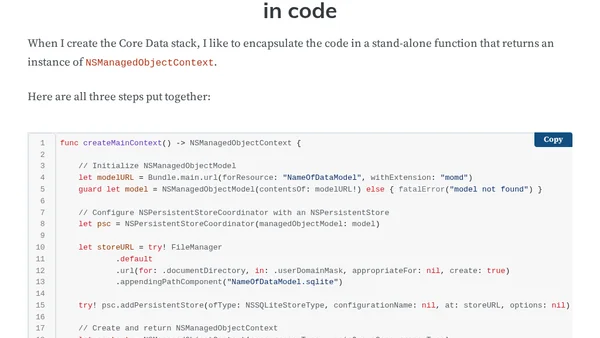
Read OriginalThis article provides a step-by-step guide for iOS developers to manually create a Core Data stack in Swift while maintaining backwards compatibility with iOS versions earlier than iOS 10 and macOS Sierra. It explains the three essential steps: initializing an NSManagedObjectModel from the .xcdatamodeld file, configuring an NSPersistentStoreCoordinator with the model and a SQLite store, and creating an NSManagedObjectContext. The goal is to obtain an NSManagedObjectContext instance for fetch requests and NSFetchedResultsController usage, bypassing the newer NSPersistentContainer class for older OS support.
Comments
No comments yet
Be the first to share your thoughts!
Browser Extension
Get instant access to AllDevBlogs from your browser
Top of the Week
No top articles yet