

Change cursor color in VS Code to use a linear gradient
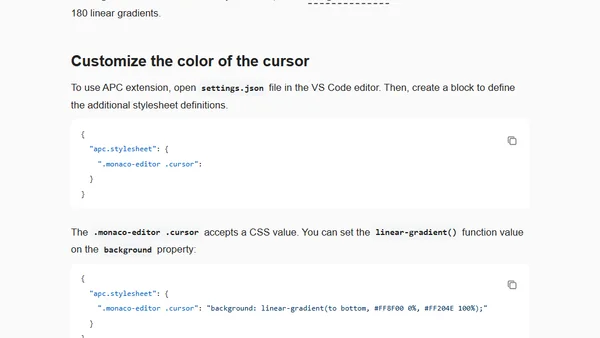
Read OriginalThis article explains how to change the cursor color in VS Code to a linear gradient using the APC Customize UI++ extension. It details the process of enabling the extension, finding a gradient, and applying custom CSS to the `.monaco-editor .cursor` selector in the settings.json file.
0 comments
Comments
No comments yet
Be the first to share your thoughts!
Browser Extension
Get instant access to AllDevBlogs from your browser
Top of the Week
No top articles yet