

Change comment color visibility in a VS Code theme
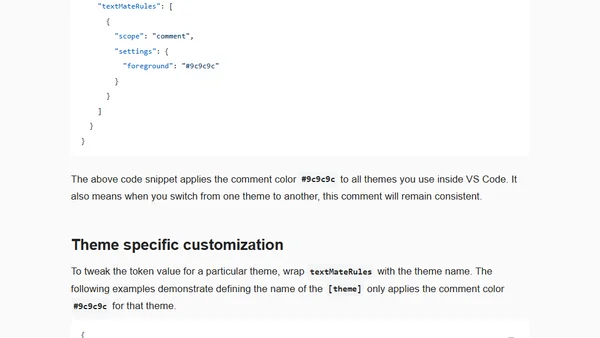
Read OriginalThis article explains how to personalize the comment color in Visual Studio Code themes. It details using the editor.tokenColorCustomizations setting and textMateRules to change comment foreground colors, either globally or for a specific theme like Digi-Angler Dark, to better suit personal preferences for readability.
Comments
No comments yet
Be the first to share your thoughts!
Browser Extension
Get instant access to AllDevBlogs from your browser
Top of the Week
No top articles yet