

Configuring Azure Storage Emulator SQL Server Instance
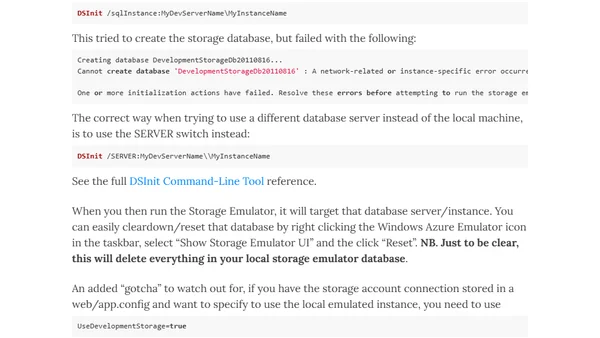
Read OriginalThis technical article explains how to configure the Azure Storage Emulator to connect to a specific SQL Server instance, such as a shared development server, using the DSInit command-line tool. It details common errors like connection failures and provides the correct syntax and switches. It also covers related tips like resetting the emulator database and correctly setting the development storage connection string in configuration files.
Comments
No comments yet
Be the first to share your thoughts!
Browser Extension
Get instant access to AllDevBlogs from your browser
Top of the Week
No top articles yet