

Utiliser Chrome Headless avec Behat
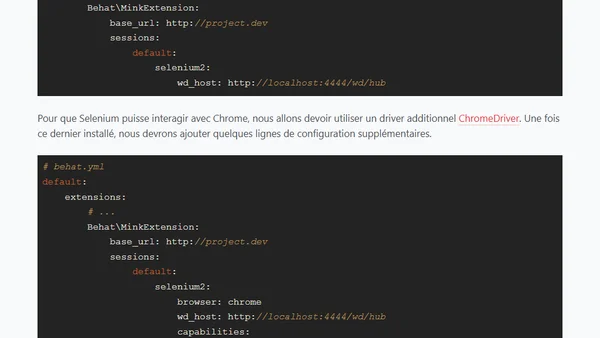
Read OriginalCet article explique comment configurer Behat et Selenium pour utiliser Chrome en mode headless (sans interface graphique) à partir de la version 59, suite à l'arrêt de PhantomJS. Il détaille l'installation du ChromeDriver et les modifications à apporter au fichier behat.yml, notamment l'ajout des arguments '--headless' et '--disable-gpu'.
0 commentaires
Commentaires
No comments yet
Be the first to share your thoughts!
Browser Extension
Get instant access to AllDevBlogs from your browser
Top of the Week
No top articles yet